
Portrait touchscreen
Large-format UI guests navigate without training.
NewRefer a business — earn $1,000 when they sign up successfully. Learn more →
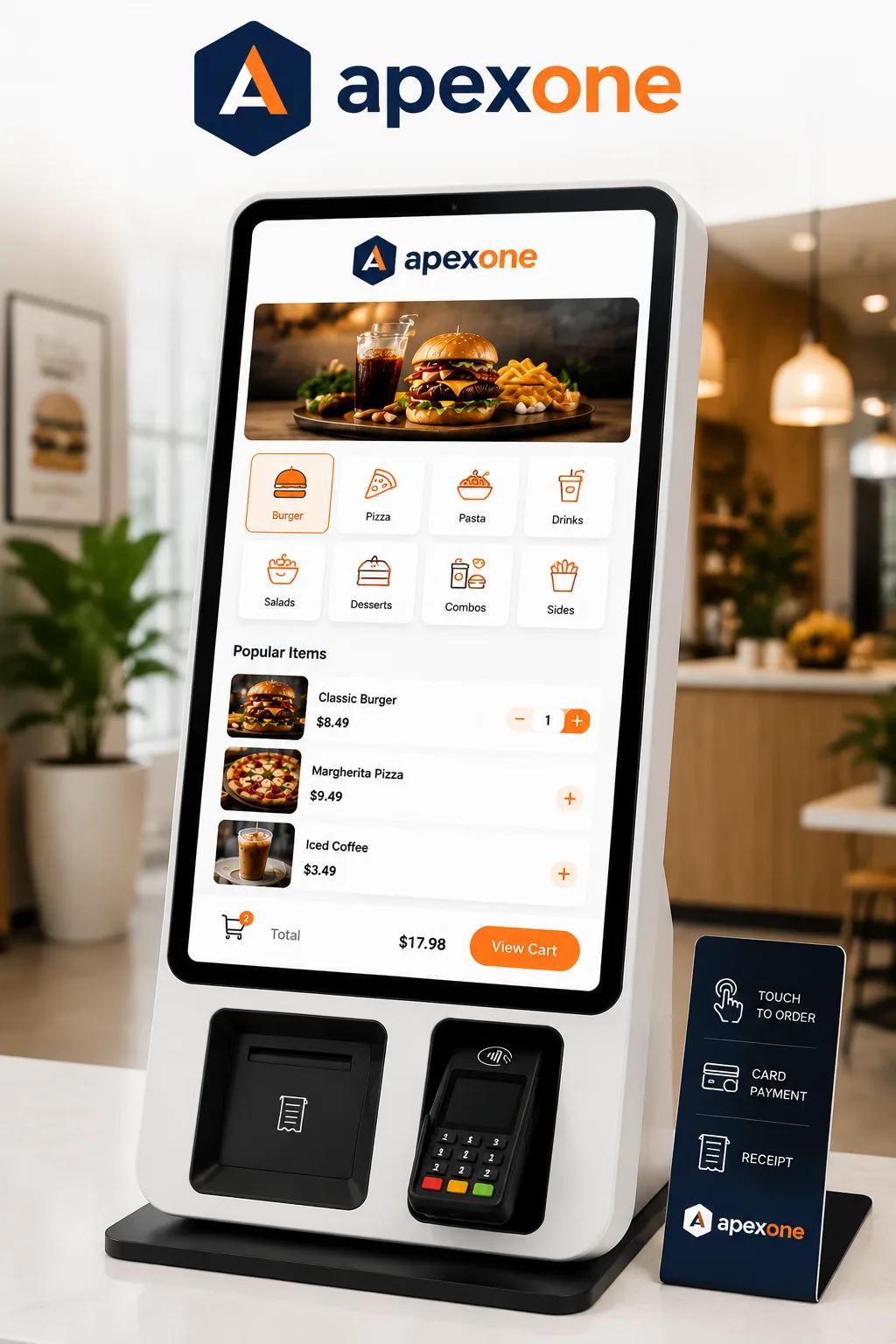
Apex Kiosk
Floor-standing self-order kiosk with integrated payments — branded for QSR, retail, and events.
Apex Kiosk is a floor-standing self-order experience — portrait touchscreen, integrated payments, and your branding from attract screen to receipt. Guests browse, customize, and pay without waiting for a cashier.
Quick-service restaurants see shorter lines and higher attach rates when guests order at their pace. Retailers use Kiosk for ticketing, catalog browse, and BOPIS check-in. Every order flows into the same kitchen and inventory as your counter POS.
Deploy one kiosk to absorb overflow or build a kiosk-only lane — configurations scale with your footprint and peak hours.
Browse, customize, pay — no cashier required.
Walk through a full kiosk order: attract screen, modifier upsells, contactless payment, and kitchen ticket — branded end to end.
Large-format UI guests navigate without training.
Contactless and chip — pay at the kiosk, skip the counter.
Photos, modifiers, and upsell prompts you control.
Adjustable height mount and high-contrast modes.
Orders fire to KDS and printers like counter tickets.
Commercial-grade for dining rooms and lobbies.
Parallel ordering lanes absorb peak without adding labor at the register.
Visual menus and timed upsells increase attach — guests order at their pace.
Redeploy staff to production and hospitality instead of repetitive order-taking.
Kiosk, counter, online, and delivery share one item library — no double entry.
Branded idle screen invites guests to tap and begin.
Photos, modifiers, and suggested add-ons guide the basket.
Contactless or chip; receipt by SMS or print optional.
Kitchen and expo see the same ticket as counter orders.
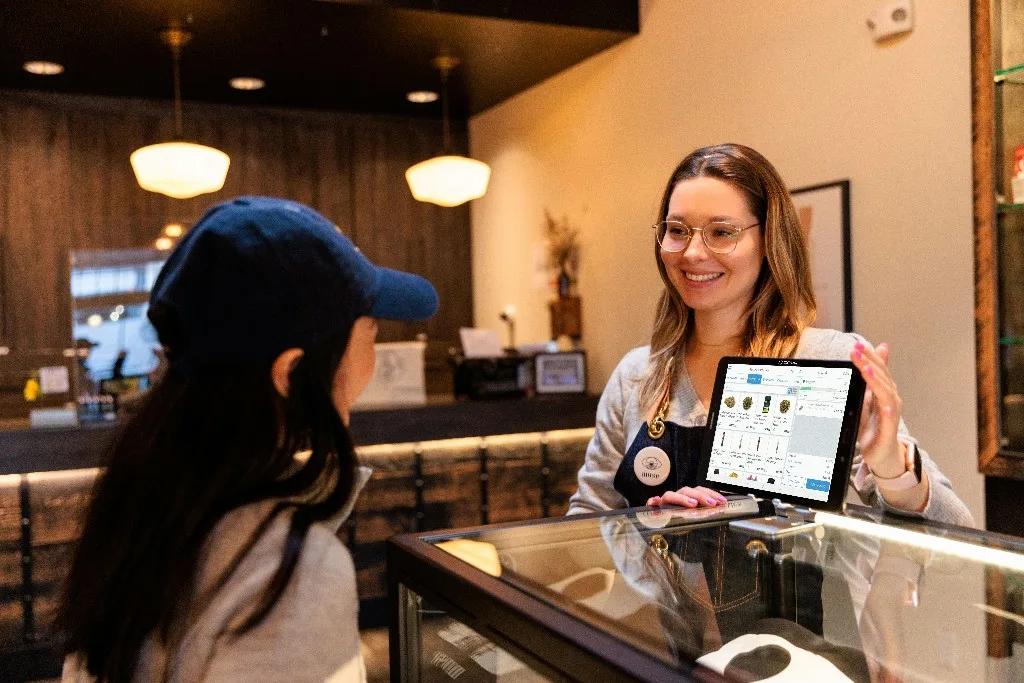
Kiosk is not a separate system — it is another lane into your Apexonepayments operation. Pricing, 86'd items, and promotions sync in real time with Station and online ordering.
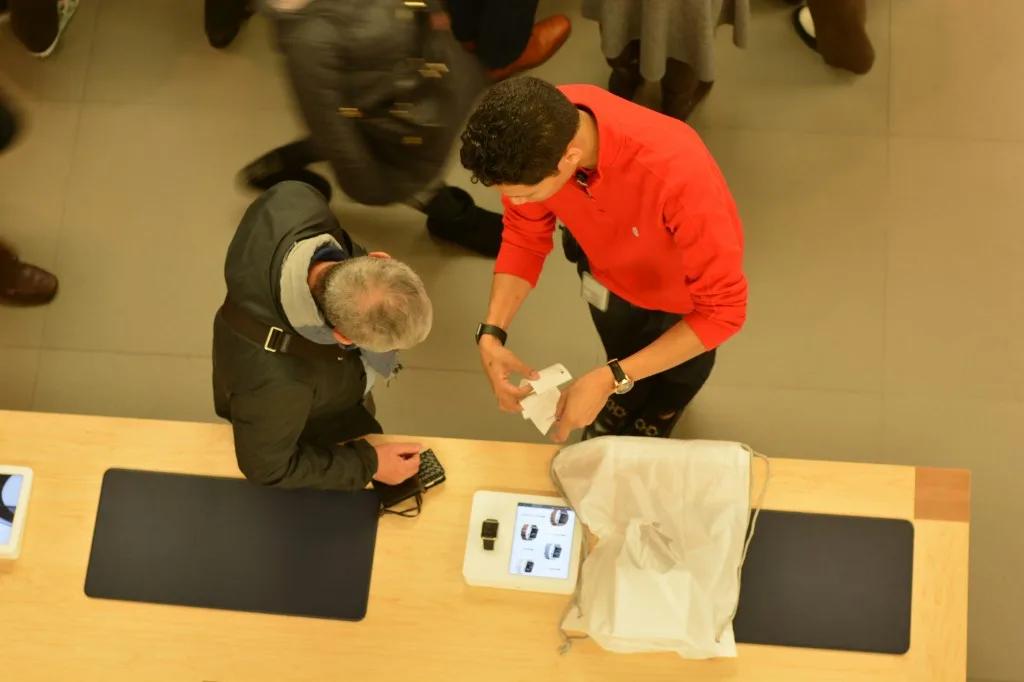
“Kiosk absorbed 40% of lunch orders in month one. Lines shrank and average ticket climbed — guests add sides when nobody is rushing them.”
Compare kiosk vs. counter average ticket, attach rate, and speed-of-service in your dashboard.
A/B test upsell prompts and layout changes without pushing new apps to stores.
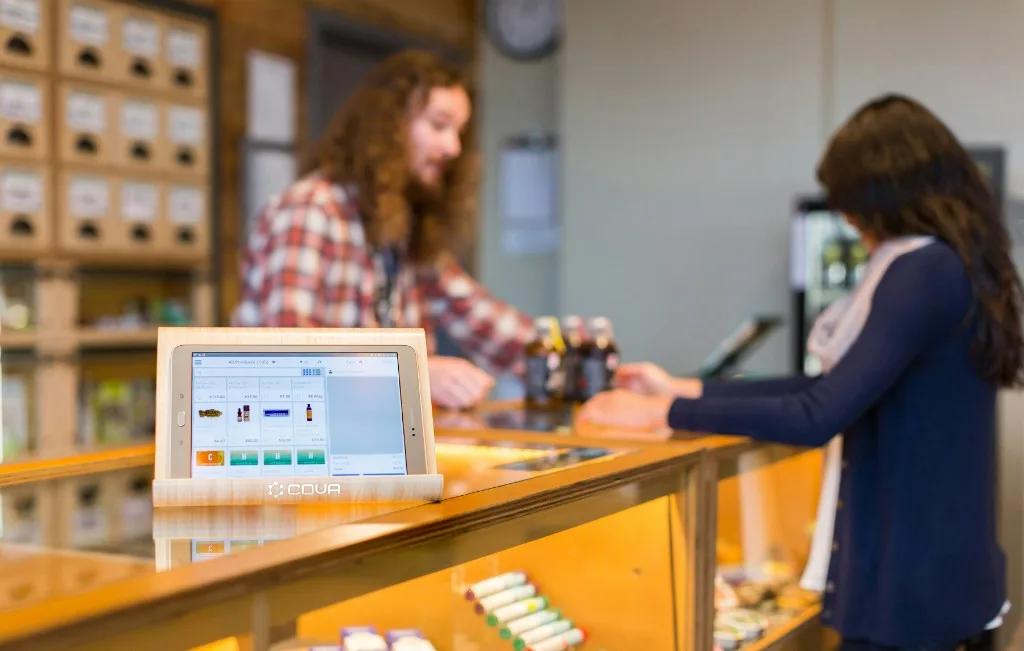
Dining rooms, lobbies, and event floors.
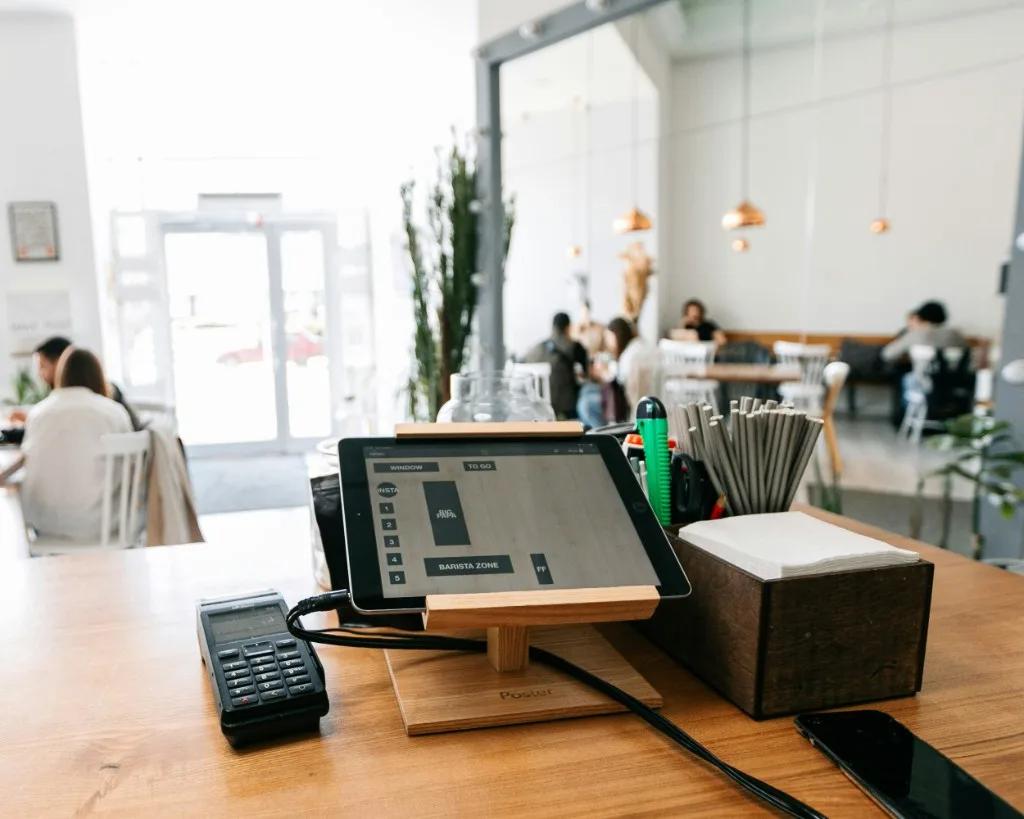
Guests browse and build.
Burger and quick-service flows.
Counter or floor mount.
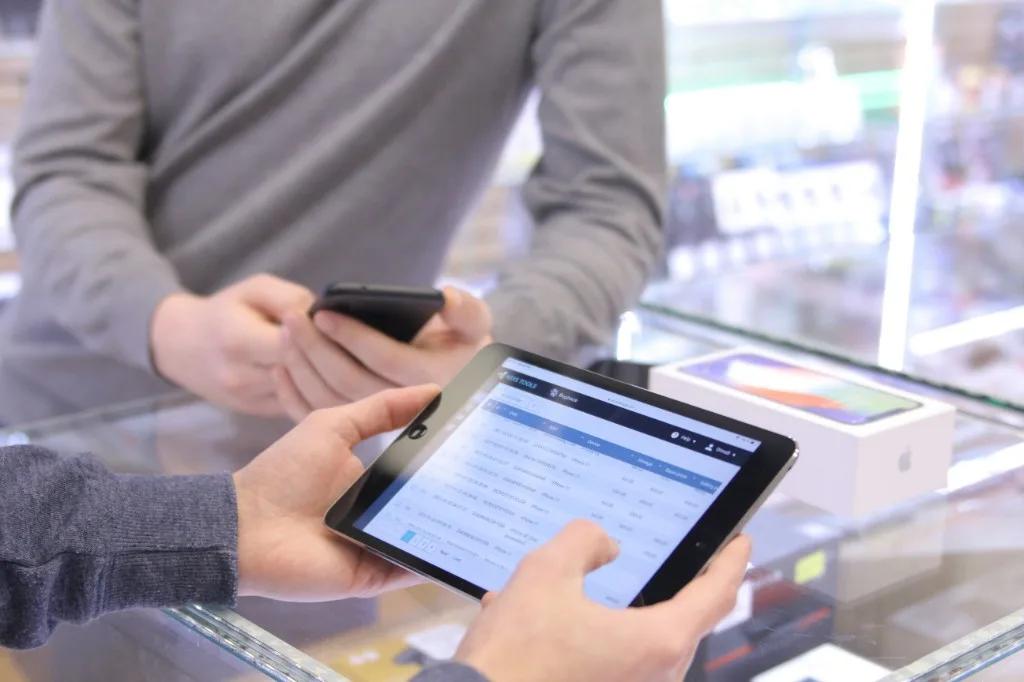
Rugged lane deployments.
“Guests actually enjoy the kiosk — photos help them discover items we used to never mention at the register. Kitchen sees the same tickets either way.”
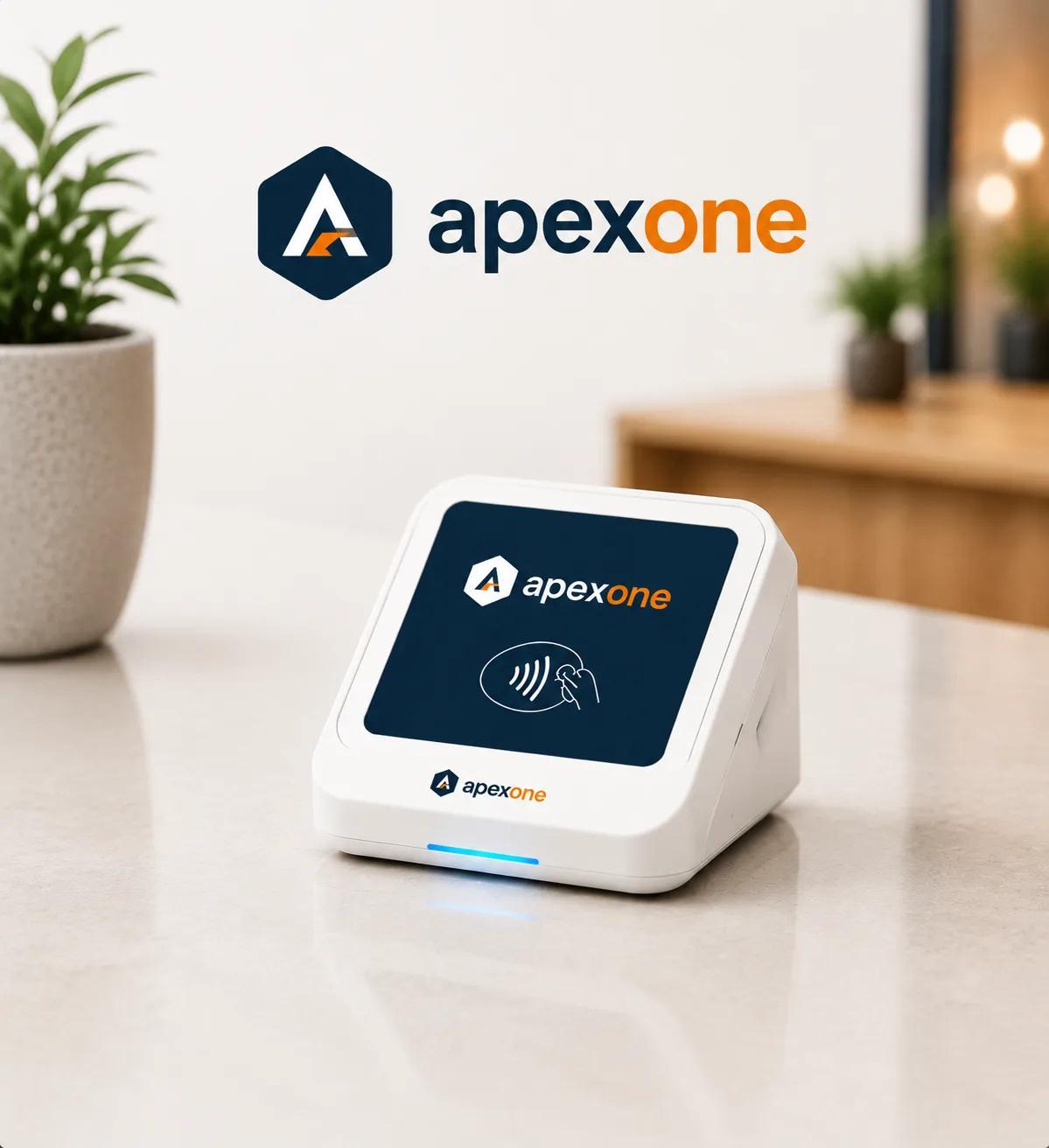
Apex Payments are smart payment solutions designed to help businesses accept, manage, and optimize transactions across multiple channels. Whether customers pay in-store, online, over the phone, or on the go, Apex One Payments provides the technology and support needed to create a seamless payment experience.
Activate an account in under two minutes. No setup fees, no monthly minimums — just everything you need to start selling.